Family plan
The Family plan gives TileBuddy Premium to up to 4 people: you and 3 friends or family members. Everyone gets their own account, their own games and their own stats, for one yearly price. It costs much less per person than 4 separate yearly plans.
How it works
- 1
Get Family
Open Premium on the You tab and choose Family. It works on iPhone and Android, and billing goes through the App Store or Google Play.
- 2
Share your invite code
You get an 8-character invite code. Share the link or the code with up to 3 people.
- 3
They join with their own account
Each person opens TileBuddy, goes to You, then Upgrade, then Have a family code?, and enters it. Everyone keeps their own games and stats.
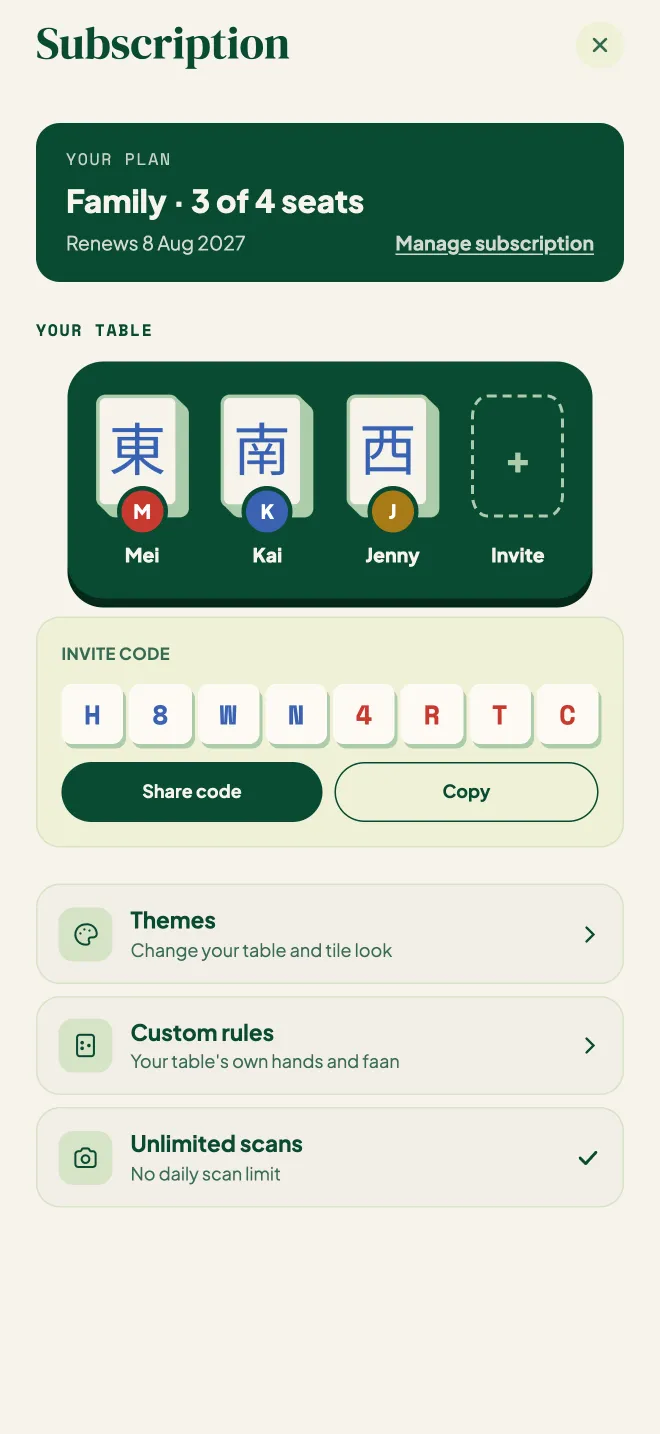
What everyone gets
Everything in Premium, for every person in the family:
| Unlimited scans | No daily scan limit for anyone in the family. |
| Custom rules | Your table's own hands and faan values. |
| Leagues | Start and run leagues with your own rule sets. |
| Themes | Change the table and tile look. |
Family or your own Premium?
- Family suits a group that plays together: a household, a regular table, or friends who want Premium for less each.
- Your own Premium suits a player who wants it just for themselves, without anyone else on the plan.
Got a Family code from a shop or club?
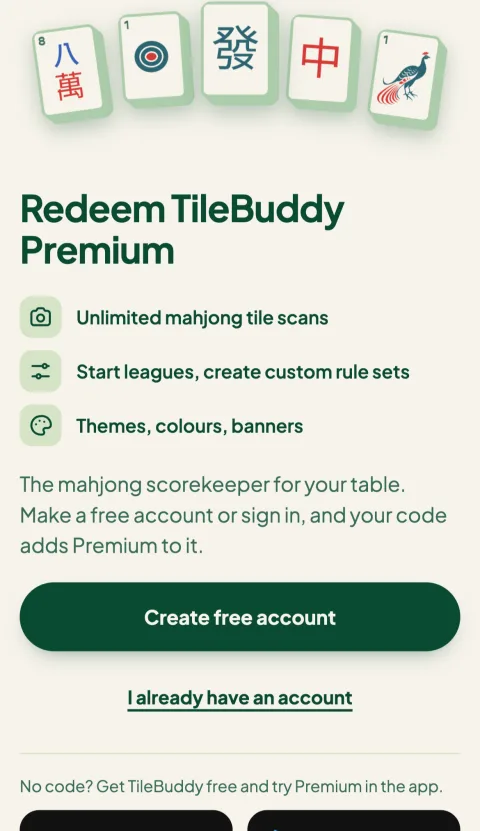
Some mahjong shops, parlours and clubs sell or give away TileBuddy codes. A Family code gives one Family plan for a year.
- Scan the QR on your card, or go to tilebuddy.app/redeem.
- Sign in, or make a free account.
- Enter the code. You become the family owner and can invite 3 people.
The year starts on the day you redeem. If you already have Premium, the code's year is added after your current Premium ends.
Questions
I already pay for Premium. Can I switch to Family?
Yes, from Premium on the You tab. You only pay the difference: on iPhone, Apple refunds the unused part of your current plan; on Android, Google Play charges only the difference for the rest of your billing period.
Can someone who already has Premium join my family?
No. Someone who already pays for their own Premium can't join, because they would be paying twice. They can join once their own plan has ended.
What happens if someone leaves, or I remove them?
Their seat opens again for someone else, and they go back to the free plan. Their games and stats stay with them.
What happens if the plan ends?
Everyone in the family goes back to the free plan. When the owner renews, they all get Premium back.
Where do I manage or cancel it?
In the App Store or Google Play, wherever you bought it. You can also open it from Premium on the You tab.
Keep reading
- Mahjong leagues, standings for your regular group.
- Hong Kong Mahjong Faan Wiki, every HK winning hand, scored in faan.
- How to use TileBuddy, scoring your first game.
Get Family in TileBuddy
Open Premium on the You tab and choose Family.