Redeem a TileBuddy code
Mahjong shops, parlours and clubs sell or give away TileBuddy codes. A code gives you a year of Premium, or a year of the Family plan for up to 4 people. Codes are redeemed on the website, at tilebuddy.app/redeem, not in the app.
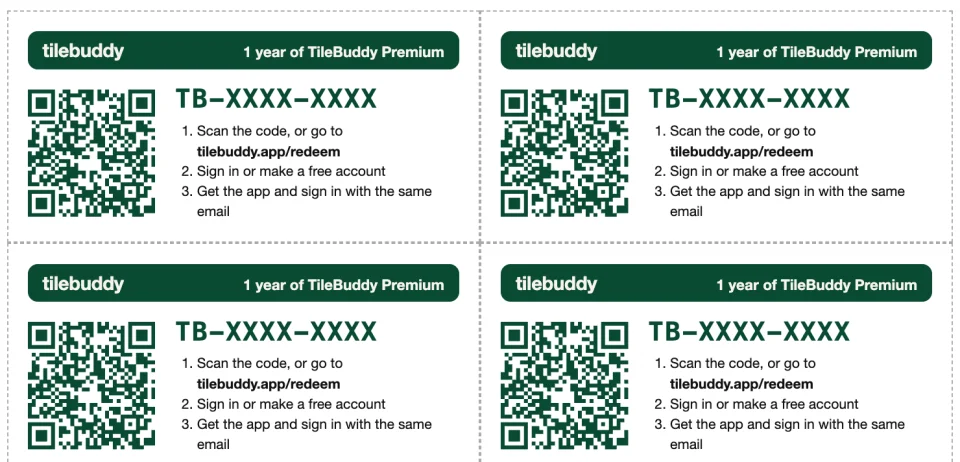
How to redeem
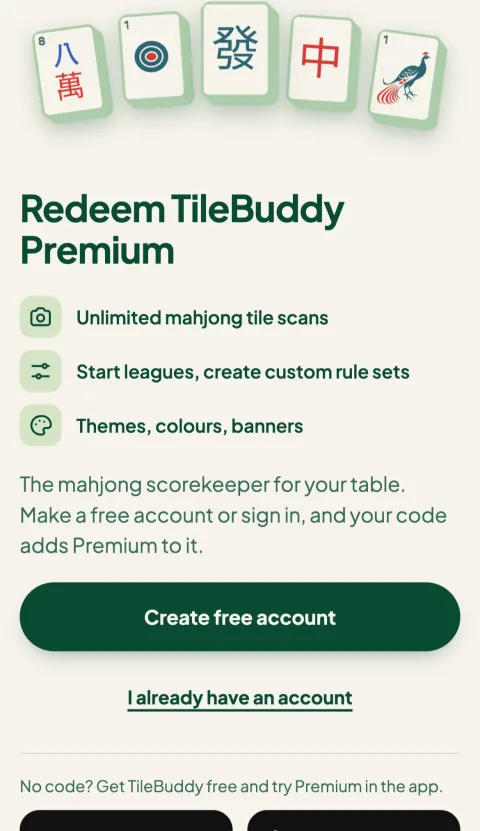
1Scan the card, or open the link
Scan the QR code on your card, or open the link you were sent. The code fills itself in. You can also go to tilebuddy.app/redeem and type it.
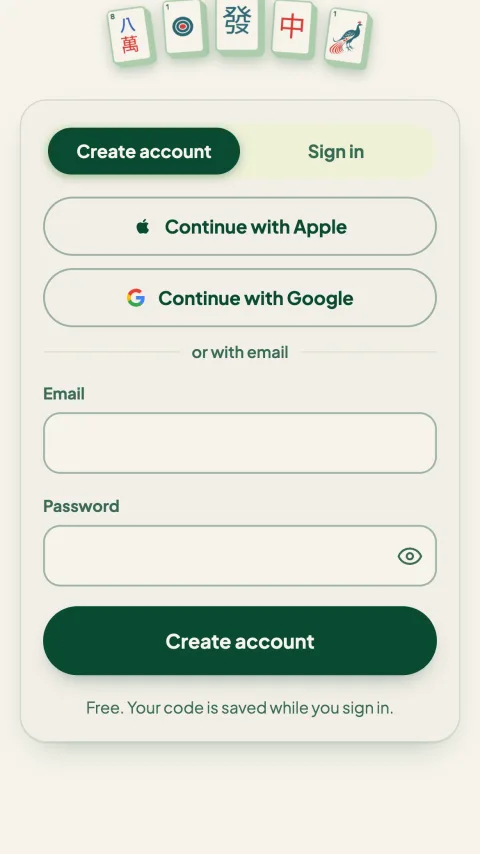
2Sign in, or make a free account
Use Apple, Google or email. Use the same sign-in you'll use in the app, so Premium shows up there.
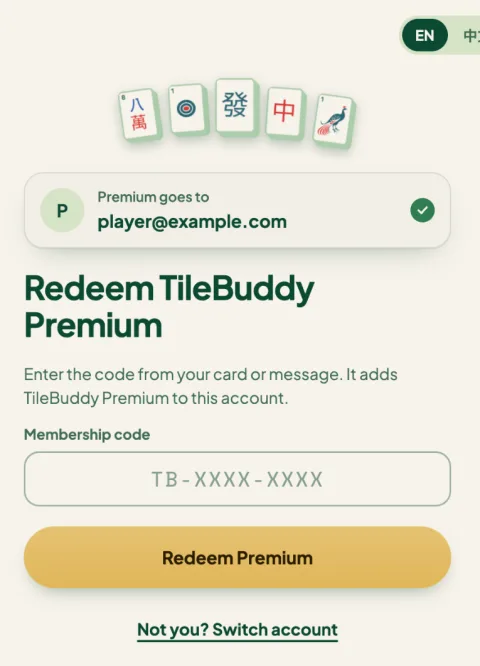
3Tap Redeem
The page shows which account the Premium goes to. Tap Redeem Premium, then open TileBuddy and sign in with the same account.
Questions
When does my year of Premium start?
On the day you redeem. If you already have Premium, the code's year is added after your current Premium ends.
I already pay for Premium in the App Store or Google Play. What happens?
The code's time is added after your current Premium. Your store subscription keeps renewing until you cancel it in the App Store or Google Play.
What's a Family code?
A Family code gives one Family plan for a year: you become the owner and can invite 3 people, each on their own account. See the Family plan page.
Can I use a code twice, or share it?
Each code works once, for one account. If you have a Family code, invite people from the app instead of sharing the code.
Do codes expire if I don't use them?
No. An unused code stays valid until it's redeemed.
I lost my code.
Ask the shop or club that gave it to you. They can tell TileBuddy the last 4 characters of the code.
Run a shop, parlour or club?
TileBuddy sells Premium and Family codes in packs for partners to resell or give as prizes, with printable cards and a link for every code. Email hello@tilebuddy.app for partner pricing.
Have a code?
Redeem it on the website, then sign in to the app with the same account.